

If your RSUs or ESPP shares are held with UBS Equity Plan Advisory Services, you have two ways to move value from UBS to your Paasa global investment account: transfer the vested shares themselves without selling first, or sell on UBS and transfer the cash proceeds.
Both processes run through UBS One Source rather than a fully self-serve online flow, and both eventually land in your Paasa app, ready to be reinvested across global stocks, UCITS ETFs, or managed strategies, or withdrawn to any bank account in your name.
This guide covers both paths.
Table of contents
- Transferring shares (in-kind)
- Transferring sale proceeds (cash)
- A note on UMB Bank and JPMorgan Chase
- About Paasa
Transferring shares from UBS to Paasa
Step 1: Open the Paasa app and tap "Transfer investments"

Step 2: Select your broker

Step 3: Select your type of transfer
You can transfer investments without selling (from your brokerage account and also your employer RSU account) as well as any cash you have in your UBS account.

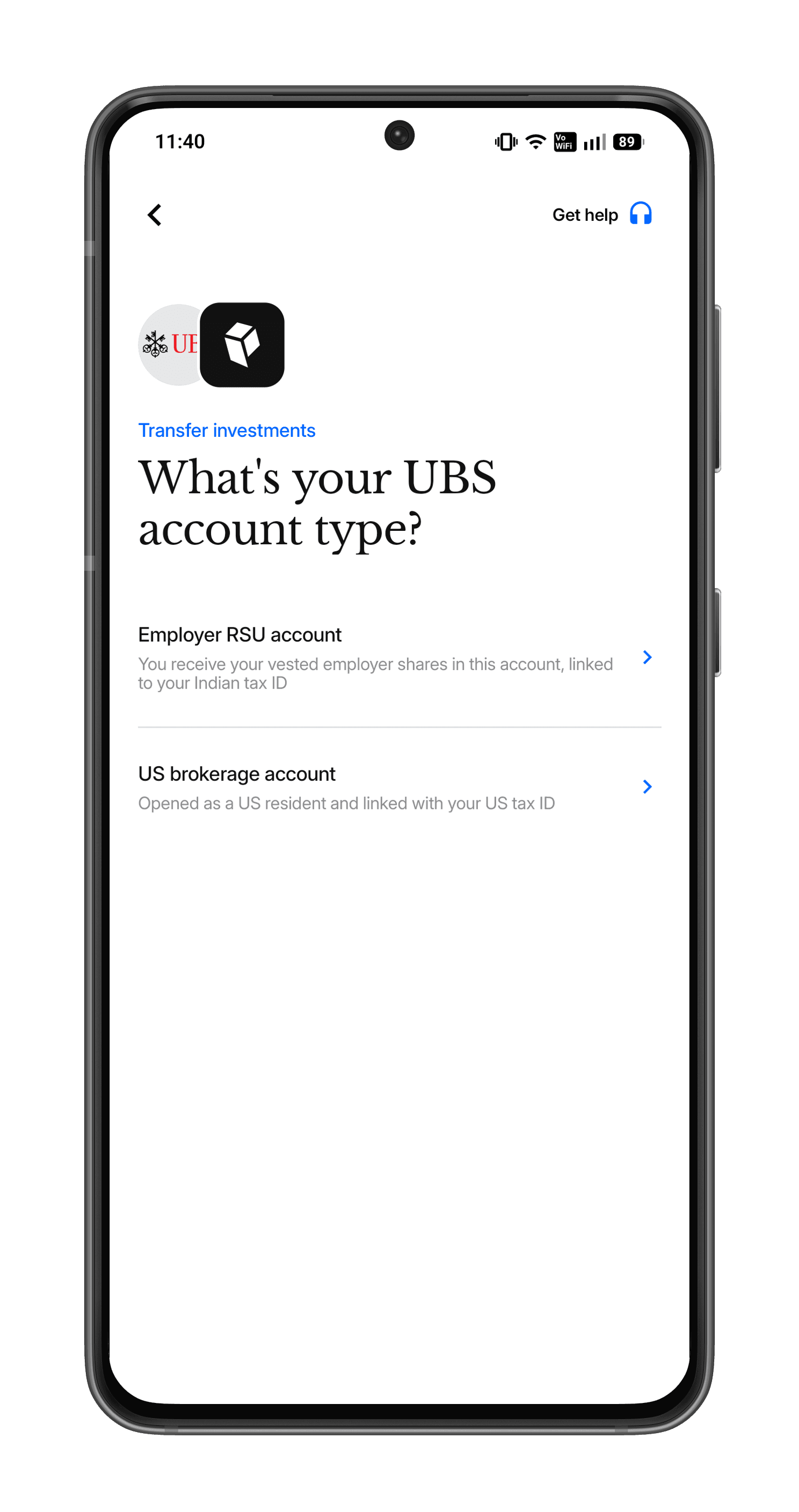
Step 4: Select your account type
Select your account type between Employer RSU account and US brokerage account.
Step 5: Follow the step-by-step on-screen instructions to complete your transfer.
What to send us next
Once your transfer is complete, send the following to support@paasa.co:
- Your account statements
- Vesting dates and details for each holding
This backfills your portfolio graph and XIRR, and lets us accurately calculate your LTCG and STCG.
Transferring sale proceeds from UBS to Paasa
If you've already sold your shares on UBS, or would rather sell first, you can move the cash directly to your Paasa-linked bank account by ACH.
Step 1: Open the Paasa app and tap "Transfer investments"
Step 2: Select your broker
Step 3: Select your type of transfer
You can transfer investments without selling (from your brokerage account and also your employer RSU account) as well as any cash you have in your UBS account.
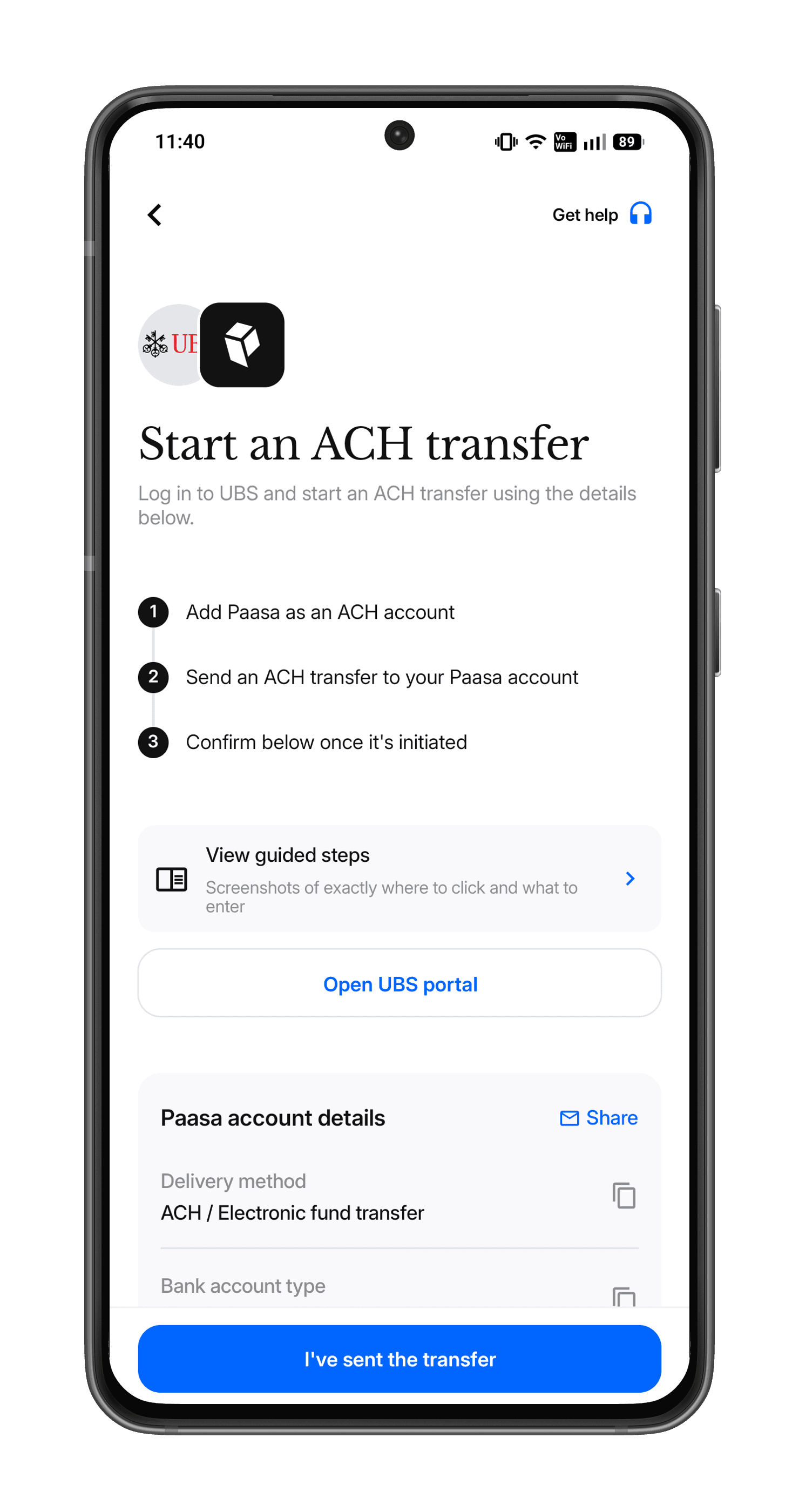
Step 4: Follow the on-screen instructions
A note on UMB Bank and JPMorgan Chase
UBS Financial Services is a wealth management firm and broker-dealer, not a retail bank, so it doesn't connect directly to the Federal Reserve's ACH network. Instead, it relies on third-party institutions to handle cash sweeps, check clearing, and ACH processing.
UMB Bank, National Association issues the routing number and processes the checking/ACH functions on behalf of UBS and similarly structured brokerages like Morgan Stanley.
JPMorgan Chase acts as the core settlement and custody partner for UBS's broader investment platform, handling the macro-level settlement and cash-routing flows behind the scenes.
This is why your transfer routes through these institutions rather than UBS directly, it's standard practice for brokerage-held cash, not a sign of anything unusual.
Need Assistance?
If you'd like our team to walk you through either process or have any questions around tax or compliance, reach out at support@paasa.com.
About Paasa
Paasa is a global investing platform built specifically for Indian residents and returning NRIs. We provide direct access to over 10 global exchanges, including the United States, United Kingdom, Switzerland, Hong Kong, Germany, France, Canada, Netherlands, Japan, and Singapore, and support 9 global currencies.
Seamless "In-Kind" Transfers (ACATS): You can move your entire US stock portfolio (from brokers like Robinhood, Schwab, Fidelity, E*TRADE, and more) directly to Paasa. This allows you to consolidate your assets in one place without triggering a tax event.
The Compliance Advantage: Paasa provides the exact reports you need for your Indian tax returns and foreign asset disclosures, eliminating the need for manual calculations.
Estate Tax Protection: Paasa offers access to Ireland-domiciled (UCITS) ETFs, allowing you to legally shield your long-term investments from the 40% US Estate Tax that applies to non-residents.

